
Email has become the silent productivity killer in most UK accounting firms. You're not imagining it: the average knowledge worker checks email every 6 minutes, and each interruption costs about 23 minutes to fully refocus. For accountants juggling client queries, HMRC correspondence, and internal communications, this creates a perfect storm of lost billable hours.
The solution isn't working harder or faster through your inbox. It's about creating boundaries, systems, and smart workflows that prevent email from controlling your day.
The Real Cost of Email Chaos
Before diving into solutions, let's be honest about what's happening. Most accounting professionals treat email like an always-on emergency service. Every ping demands immediate attention, every client query feels urgent, and every internal message seems critical.
The result? Partners and senior accountants spend 2-3 hours daily just managing email: time that could be spent on high-value client work or strategic planning. For a practice charging £150+ per hour, that's potentially £450 of lost revenue daily, just from poor email habits.
Worse still, constant email checking fragments your attention. The deep focus needed for complex accounting work becomes impossible when you're mentally preparing for the next email interruption.
Strategy 1: Master Email Batching
The most transformative change you can make is switching from reactive email checking to scheduled email processing. This means designated times for email: not constant monitoring.
Start with three daily email blocks:
- 9:00 AM (20 minutes)
- 1:00 PM (15 minutes)
- 4:30 PM (20 minutes)
During these blocks, focus entirely on your inbox. Process emails systematically, make decisions quickly, and take immediate action. Outside these times, email stays closed.
This feels uncomfortable initially: especially if you're used to instant responses. But clients and colleagues adapt quickly when they know you're organised and reliable during your designated email times.

Pro tip for UK accounting firms: Schedule your morning email block after you've tackled your most important work. Don't let client queries derail your focus before you've made meaningful progress on key projects.
Strategy 2: Kill the Notifications
Turn off every email notification: desktop alerts, mobile pings, browser pop-ups, everything. These interruptions are productivity poison, especially for detailed accounting work that requires sustained concentration.
The fear of "missing something urgent" is usually overblown. Genuinely urgent matters typically come through phone calls, not emails. And anything truly critical can wait until your next scheduled email block.
If you're worried about missing client emergencies, set up a separate system: perhaps a dedicated phone line or messaging app: for genuinely urgent communications.
Strategy 3: Use the 4D Framework
When processing emails during your batched sessions, use this simple framework for every message:
Delete: Irrelevant emails, spam, and information you don't need
Do: Quick tasks that take under 2 minutes (brief replies, simple confirmations)
Delegate: Tasks that someone else can handle better
Defer: Important emails that need proper attention: move these to your task list with specific action dates
Never leave emails "to decide later." Make a decision immediately, even if the action gets scheduled for later.
Strategy 4: Slash Incoming Volume
The easiest way to spend less time on email is receiving fewer emails. This requires being ruthless about what enters your inbox.
Unsubscribe aggressively from newsletters, promotional emails, and industry updates that you never actually read. It takes 30 seconds now but saves hours over months.
Create filters and rules to automatically sort non-critical emails. Set up folders for:
- Client correspondence (by client)
- Internal company emails
- Professional development content
- System notifications
Only emails requiring your direct attention should hit your main inbox.

For UK firms: Set up specific filters for HMRC communications, Companies House notifications, and other regulatory emails. These are important but rarely urgent, so they can be processed in dedicated blocks.
Strategy 5: Write Shorter, Smarter Emails
Long emails create long email chains. Keep your responses to 3-5 sentences maximum. If something needs extensive discussion, pick up the phone or schedule a brief meeting.
Use clear subject lines that explain exactly what you need:
- "Action needed: Q3 accounts review by Friday"
- "FYI: HMRC deadline moved to Dec 15"
- "Quick question: VAT treatment for new client"
Structure emails simply:
- What you need (first sentence)
- Why you need it (context)
- When you need it (deadline)
This reduces back-and-forth emails and makes your requests clearer for recipients.
Strategy 6: Build Template Libraries
Create standard templates for emails you send repeatedly. Most accounting firms send similar emails dozens of times:
- Client onboarding information
- Standard document requests
- Deadline reminders
- Meeting confirmations
- Status updates
Store these templates in your email client or a separate document. Personalise them quickly rather than writing from scratch each time.
UK-specific templates to consider:
- Self Assessment deadline reminders
- VAT return confirmations
- Corporation Tax filing updates
- Payroll processing confirmations
Strategy 7: Separate Tasks from Email
Your inbox isn't a task management system: it's a communication tool. Emails that require action should be converted into proper tasks in your project management system.
When an email needs follow-up work, don't leave it in your inbox as a reminder. Extract the task, set a proper deadline, and archive the email. This prevents your inbox from becoming a chaotic mix of communications and to-dos.
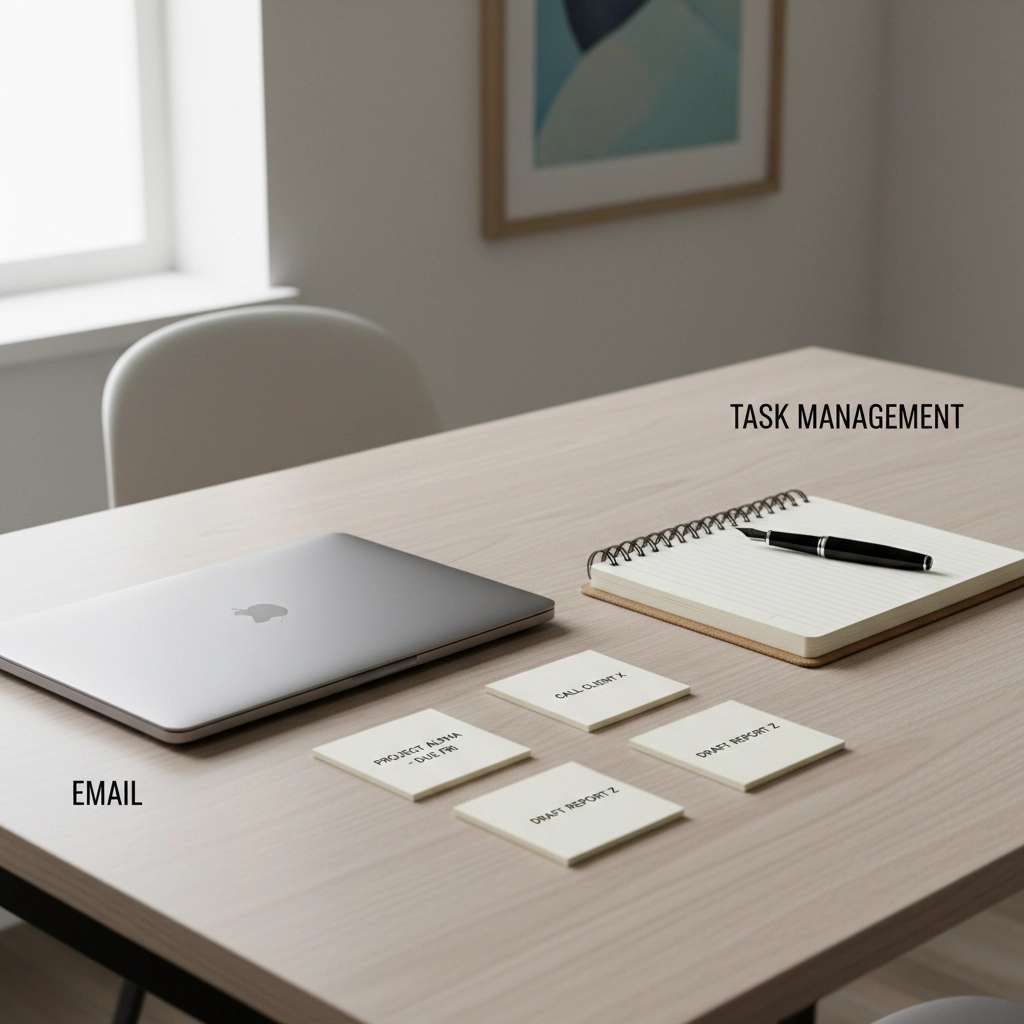
Consider using tools like Todoist, Asana, or even a simple spreadsheet to track email-generated tasks separately from your inbox.
Strategy 8: Handle Client Communication Strategically
Many accounting firms feel pressured to respond to every client email immediately. This creates unrealistic expectations and interrupts your workflow constantly.
Set clear communication expectations with clients:
- Standard response time (24-48 hours for non-urgent matters)
- Preferred communication methods for different types of queries
- Office hours when they can expect immediate responses
Create an FAQ document addressing common client questions about deadlines, document requirements, and standard processes. This reduces repetitive email queries.
For complex client queries that generate multiple back-and-forth emails, suggest a brief phone call instead. Ten minutes of conversation often resolves what would take 15+ emails to clarify.
Strategy 9: Use Technology Wisely
Email management tools can help, but don't overcomplicate things. Focus on simple solutions:
Email scheduling: Write emails when convenient, but schedule them to send during business hours
Auto-responses: Set professional out-of-office messages that manage expectations
Read receipts: Use sparingly: they can create unnecessary pressure
Email signatures: Include key contact information and office hours to reduce follow-up queries
For growing firms, consider whether a virtual assistant for accountants could handle routine email management, freeing partners to focus on high-value client work.
Making the Transition
Implementing these strategies requires discipline initially. Your brain is accustomed to the dopamine hit of new emails, and clients may be used to instant responses.
Start small:
- Week 1: Turn off notifications and implement email batching
- Week 2: Create your first email templates and filters
- Week 3: Introduce the 4D framework and start separating tasks from email
Communicate the change to your team and key clients. Explain that you're implementing systems to provide better, more focused service: not trying to be less responsive.
The Long-Term Impact
Proper email management isn't just about saving time: it's about reclaiming your ability to do focused, high-quality accounting work. When you're not constantly interrupted by email, you can:
- Complete complex analyses without mental fragmentation
- Provide more thoughtful advice to clients
- Focus on business development and strategic planning
- Reduce stress and improve work-life balance
Most UK accounting firms implementing these strategies report saving 10-15 hours weekly on email management. For a typical practice, that translates to either increased billable hours or more time for business development: both directly impacting profitability.
The key is consistency. Email management is a habit, not a one-time fix. But once these systems become automatic, you'll wonder how you ever managed to work effectively while constantly checking email.
Frequently Asked Questions
How do I handle truly urgent client emails outside my scheduled times?
Genuinely urgent accounting matters are rare and typically involve regulatory deadlines or critical errors. For these, maintain a separate communication channel (dedicated phone line or messaging app) that clients can use for real emergencies. Most "urgent" emails can actually wait for your next scheduled email block.
What if my firm's culture expects immediate email responses?
Start by discussing productivity goals with your partners or senior management. Present the time savings and focus benefits of batched email processing. Often, firms that implement this practice-wide see improved client service quality, even with slightly delayed response times, because responses are more thoughtful and complete.
Need help implementing accounting workflow systems that save time beyond email management? We specialise in helping UK accounting firms streamline their operations without compromising service quality.